I stared into the SSO abyss and it had hands

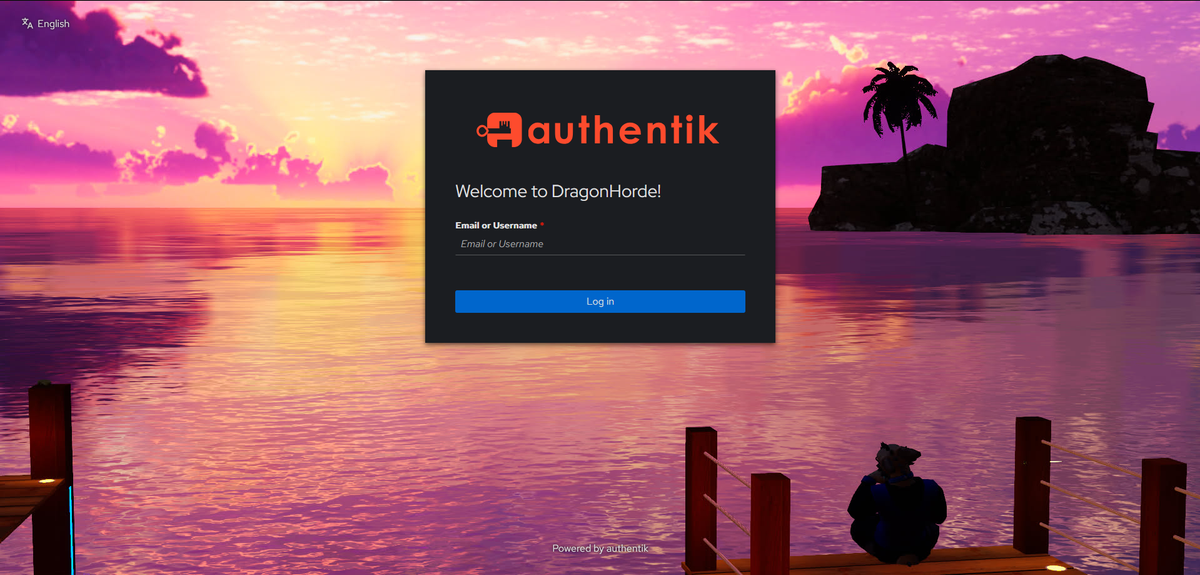
I believe that every homelabber eventually takes on a project too ambitious for them. A project they go into happy-eyed and bushy-tailed only to come out with a thousand yard stare after just reading the docs. To me, that was Authentik. Authentik is an SSO provider which stands for Single Sign On. Single Sign On is a service that has one centralized place you log into which gives you access to other services. Buttons like "Sign in with Google" are a good public example of this. Signing in with Google on a website will automatically create your account, populate your name, email, and other data, and not require setting up a password. It sounds great in theory, but the execution can be quite complex.
On a basic level, SSO simply lets you access a service with your SSO account instead of logging in directly with the service. On a more advanced level, you can additionally define information that's held in your SSO account which will allow you to set information in the apps you log into. For example, providing a "app_role" parameter with some value on your SSO account will expose that to the supported application upon login and set your role accordingly. This allows you to use the SSO provider as the main source for all major user permissions. The idea is that the end user will not only use the SSO provider as the first (and only) place to log in, but also that administrators will use it as the sole place to store user permissions across all applications which support it.
This all is a lot easier said than done, though. When I began this project, I didn't know any of this. In fact, I tried to do this a couple months ago and ran into the very situation I had started this post with. I cowered out after seeing just how complex this whole setup would need to be.
Cut to yesterday, when I decided that my homelab was a little too "complete" and I needed something else to tinker with. I decided to revisit the SSO idea, so I pulled up the Authentik install documentation and decided I'd figure it out as I went. It was surprisingly easy to get installed, although I did run into a self-inflicted sink of an hour because I accidentally pressed the "don't let the helper container reach the internet" button and wondered why the helper container couldn't access the internet. It was a little more complex than that, but I still felt quite silly once I discovered the problem nonetheless.
Cut forward to my completely working Authentik server. Note that "working" and "fully configured" are two vastly different things. Sure, I was looking at an admin dashboard, but what do I actually do with any of this? How do user parameters go through Flows? How do Prompts factor into the workflow diagrams? What exactly makes up one "stage"? How exactly do notifications get triggered? Even then, I only started asking these questions after I learned what all these things are in the first place.
My brain was working overdrive as I read these docs. I jokingly told my friends that I could feel the new ridges forming in my own brain. It definitely was a good learning experience, but I recognize that I don't know nearly enough to use Authentik to its fullest. I only know just enough to be dangerous. For example, it's entirely possible to create an "authentication" flow which blindly accepts an email, and if it exists in the SSO user list, logs you in with no password or second factor. Fun!
Okay. So with all this research under my belt, I now believe I'm ready to set up my first application! I decided to add SSO to my Grafana instance first since its OAuth configuration is pretty simple as I had already done it with Google's SSO. Some trial and error (and issues with trailing '/'s in URLs...don't get me started) later, I now had my SSO working! Kind of! You know in the beginning how I mentioned that SSO can both log you in AND synchronize data such as roles or quotas? Well, I only finished the log in part. The synchronizing roles part is a fair bit more complex because it requires a few steps: First, you need to set up the data on the SSO provider end by giving the roles / groups to your user. If you don't do this, then everything else won't work <foreshadowing>. When logging into an application with SSO, your SSO provider will also provide any groups you're in or roles you have. It's then up to the application - Grafana in this case - to take that and map it to their own roles accordingly. For example, having a "grafana_site_admin" role on your SSO provider and telling Grafana that all users with "grafana_site_admin" map to the Admin role. That mapping process proceeded to eat the next two hours of my life. I was distraught wondering how on Earth it wasn't working when everything should have been. I'd log in and not get the roles I expected. Well it turns out that I forgot to give myself the Grafana Admin role on my SSO provider...whoops.
Okay. So we have SSO working, I can use it to log into Grafana, and I can add users to groups on my SSO web portal and that gives them roles in Grafana. What now? Well, SSO is meant for not just one app, but all your apps! Because of this, I decided my next victim was Zipline, a simple file upload and link shortening site. With my accrued knowledge from Grafana, I got it working in just 5 minutes. Yippee! Finally, I added it to Immich which went painlessly. Those are all the applications so far that I plan to add SSO to. Others have various reasons that might complicate things.
In terms of the overall project though, I consider this a success! I learned a lot, set up a fancy new toy that ultimately has very little practical use, and might end up not using it after all - AKA every other homelab project. For now though, I will keep poking around in Authentik and see what else it can do.